![Email Signature_CM.png]](https://kb.connectedmanufacturing.com/hs-fs/hubfs/Email%20Signature_CM.png?height=40&name=Email%20Signature_CM.png)

1. Open Management Studio
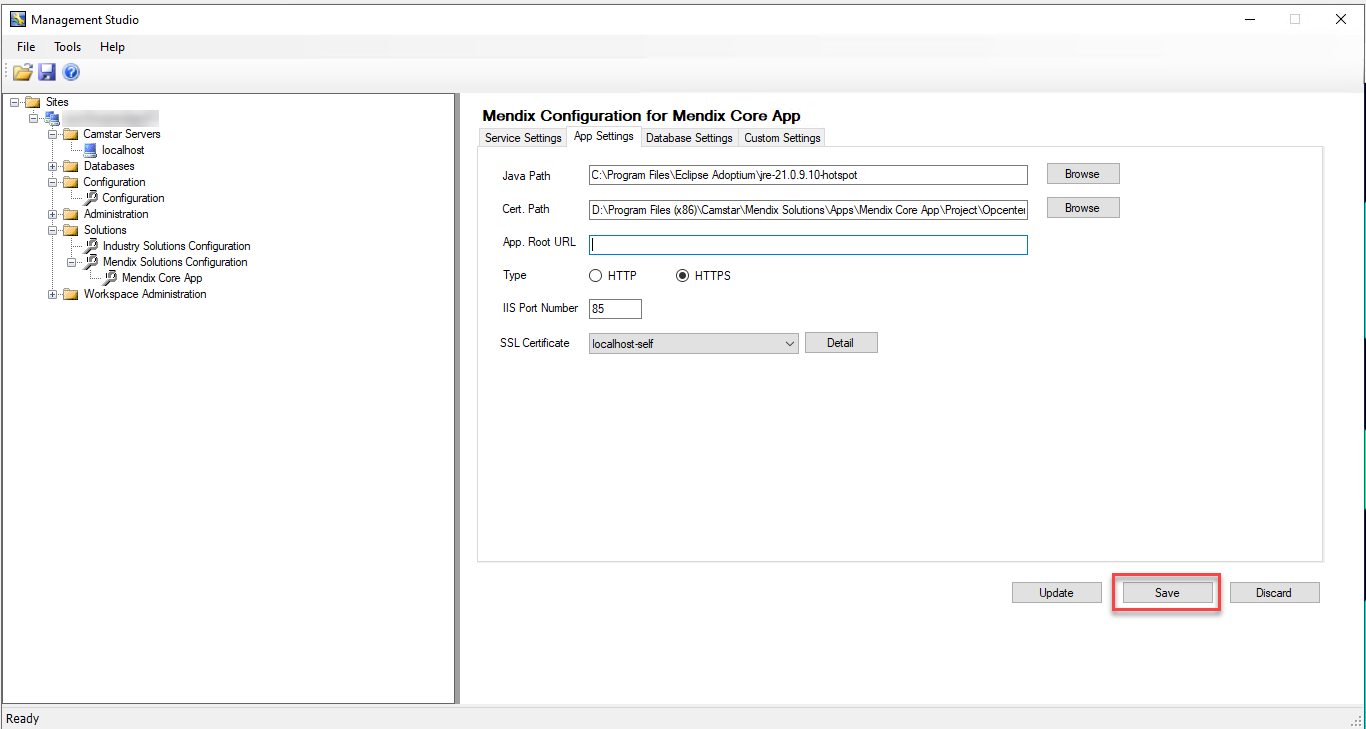
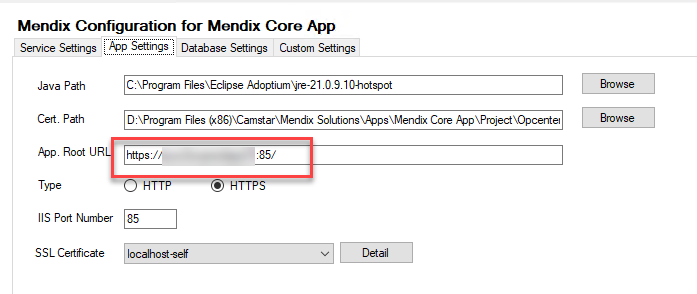
2. On Mendix Solutions Configuration > Mendix Core App, go to App Settings tab, leave the App. Root URL blank then click Save. Mendix will automatically populate the field correctly.
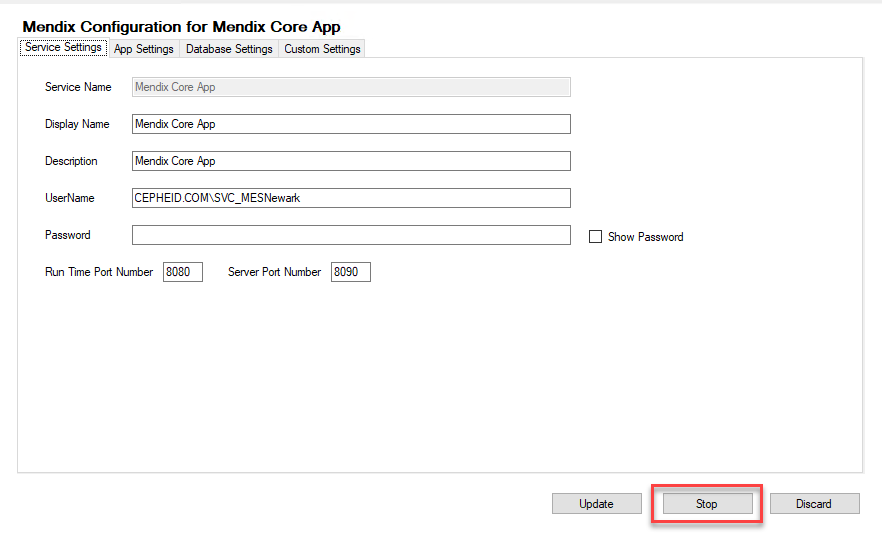
3. Go to Service Settings tab, Stop then Start Mendix service
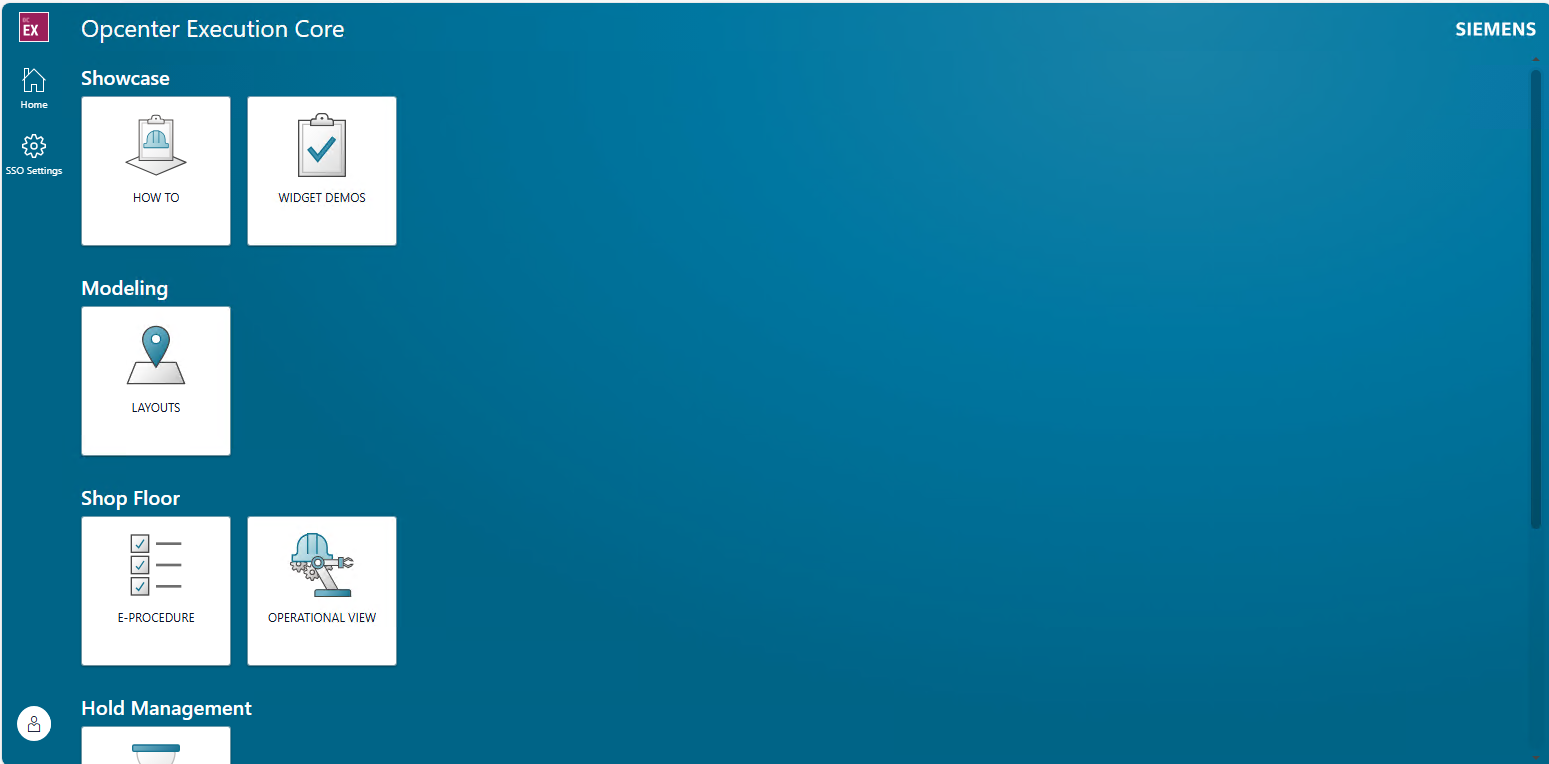
4. Relaunch the browser then login to Mendix.
Reference IR#01753252